
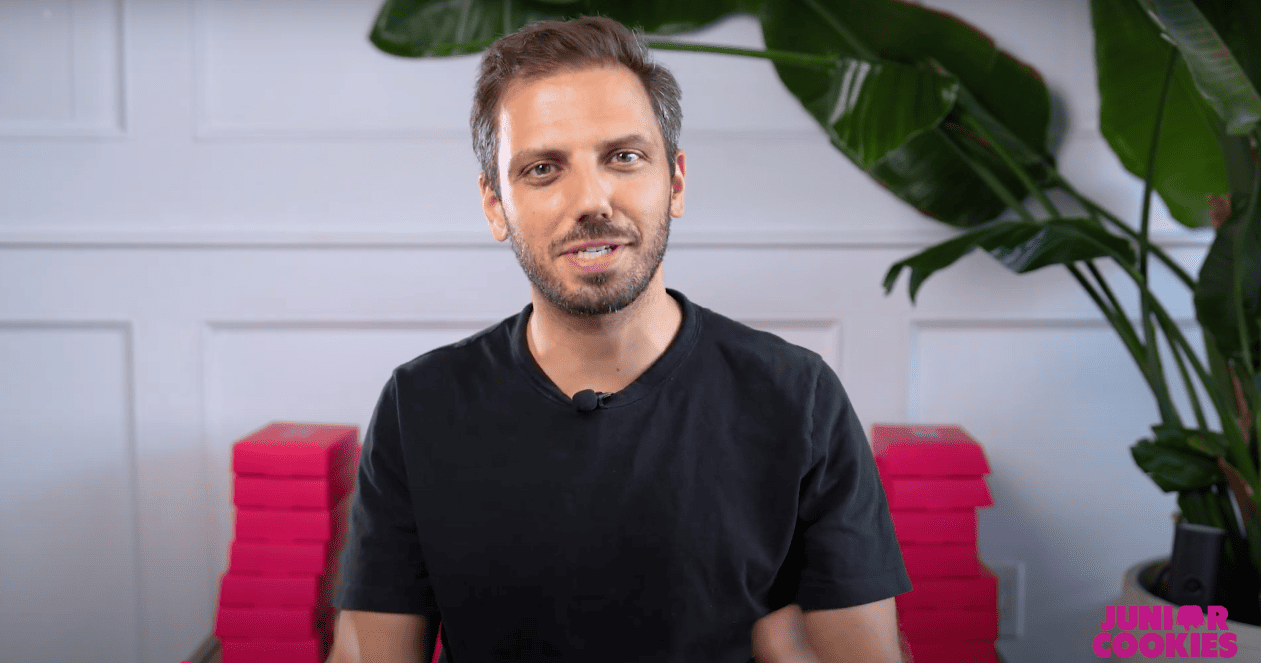
How to make a good interview video?
When creating an interview video, it’s crucial to plan ahead to ensure a successful outcome. Begin by outlining the main topics you want to cover in the interview. Consider the goals of the video and what information you want to convey to your audience.
Next, develop a list of questions that will guide the conversation and help you stay on track. Make sure your questions are open-ended and allow room for the interviewee to provide detailed responses. Avoid asking yes or no questions, as they can lead to short and uninteresting answers.
As you draft your script, consider the overall flow of the conversation. Think about how each question leads into the next and how you can maintain a natural and engaging dialogue throughout the interview. You may also want to include any transitions or prompts to keep the conversation flowing smoothly.
- What is the main message or story you want to convey?
- Who is the ideal interviewee to help communicate this message?
- What are the key points or topics that should be covered in the interview?
- How can you structure the questions to maintain a natural flow of conversation?
By taking the time to plan out your interview questions and script, you can ensure that your video has a clear direction and conveys the desired message to your audience. A well-organized and thought-out interview will lead to a more engaging and successful final product.
Choose a Well-Lit Location with Minimal Background Noise
One of the most important factors in creating a good interview video is choosing the right location. A well-lit environment with minimal background noise can make all the difference in the quality of your video.
- Lighting: When selecting a location, look for a space with natural light or invest in some artificial lighting options. Good lighting can significantly improve the appearance of your video and make it more appealing to viewers. Avoid harsh overhead lighting that can cast shadows on your subject.
- Background Noise: Keep an ear out for any distracting background noises such as traffic, construction, or loud appliances. These can interfere with your audio quality and make it difficult for viewers to focus on the interview. Choose a quiet location to ensure your audio is clear and crisp.
By selecting a well-lit location with minimal background noise, you can enhance the overall quality of your interview video and create a more professional-looking result. Take the time to scout out potential locations and test for lighting and noise levels before recording to ensure the best possible outcome.
Consider using a tripod or stabilizer to prevent shaky footage
One of the easiest ways to improve the quality of your interview video is by investing in a tripod or stabilizer. These tools can help prevent shaky footage, which can be distracting and unprofessional for viewers. Here are a few reasons why using a tripod or stabilizer is crucial for creating a polished interview video:
- Professional look: Shaky footage can make your video appear amateurish and unpolished. By using a tripod or stabilizer, you can achieve smooth and stable shots that will impress your audience.
- Better focus: Shaky footage can also make it difficult for viewers to stay focused on the content of the interview. A tripod or stabilizer can help keep the camera steady, allowing viewers to pay attention to what is being said.
- Enhanced video quality: Shaky footage can negatively impact the overall quality of your video, making it harder to watch and enjoy. By using a tripod or stabilizer, you can ensure that your video looks professional and polished.
- Easy setup: Tripods and stabilizers are simple to set up and use, making them an easy and effective solution for preventing shaky footage. With just a few adjustments, you can significantly improve the overall look of your interview video.
Whether you are shooting your interview indoors or outdoors, using a tripod or stabilizer can make a world of difference in the final outcome of your video. Not only will it enhance the visual appeal of your content, but it will also help create a more professional and engaging viewing experience for your audience.
Invest in a quality camera or smartphone with high resolution video capabilities
When creating an interview video, one of the most crucial aspects to consider is the equipment you will be using to capture the footage. A high-quality camera or smartphone with superior video capabilities can make a significant difference in the overall appearance and professionalism of your video.
- Resolution: Look for a camera or smartphone that offers high resolution video recording. This will ensure that your footage is crisp and clear, providing a more engaging viewing experience for your audience.
- Low-light performance: Choose a camera or smartphone that excels in low-light conditions to ensure your video looks good even in less than ideal lighting situations.
- Stabilization: Invest in a camera or smartphone with built-in stabilization features or consider purchasing a stabilizer to prevent shaky footage, resulting in a more polished final product.
While it may be tempting to use whatever equipment is readily available, opting for a high-quality camera or smartphone can elevate the overall production value of your interview video. The better the quality of the equipment, the more impressive your video will appear to viewers.
Remember, the goal of your interview video is to captivate and engage your audience, and having a reliable camera or smartphone with high resolution video capabilities is a crucial step in achieving this.
Investing in the right equipment shows your dedication to producing a professional and visually appealing video, ultimately making your content more enticing to viewers.
Utilize a microphone or audio recorder to capture clear and crisp audio.
One of the key elements in creating a good interview video is ensuring that the audio quality is up to par. There’s nothing more distracting than trying to follow along with a video where the audio is muffled, echoey, or full of background noise. To avoid these pitfalls, it’s important to invest in a high-quality microphone or audio recorder.
- Microphone: A microphone is an essential tool for capturing clear and crisp audio during your interview. There are many different types of microphones available, ranging from lavalier microphones that clip onto clothing to handheld microphones for a more traditional setup. It’s important to test out different options and choose a microphone that works best for your specific setting and recording needs.
- Audio recorder: If you’re not satisfied with the audio quality from your camera’s built-in microphone, consider using an external audio recorder. These devices are designed to capture high-quality audio and can often be connected directly to your camera or smartphone for easy syncing in post-production. By using an audio recorder, you can ensure that your interview video will have professional-level sound.
When using a microphone or audio recorder, always make sure to place it close to the subject’s mouth or wherever the sound source is coming from. This will help to minimize any ambient noise and ensure that the audio is clear and easy to understand.
Before recording your interview video, take some time to test out the microphone or audio recorder to make sure it’s working properly. Check the levels and adjust accordingly to avoid any clipping or distortion. Once you’ve confirmed that everything is set up correctly, you can proceed with confidence knowing that your audio will be of high quality.
By investing in a microphone or audio recorder and taking the time to properly set it up, you can elevate the overall quality of your interview video and ensure that your audience can focus on the content being discussed without any distractions.
Dress for Success
One important aspect of creating a good interview video is ensuring that both you and your interviewee are dressed appropriately. Dressing professionally not only creates a positive first impression but also helps to convey credibility and professionalism to viewers.
When choosing your outfit, opt for clothing that is neat, clean, and well-fitting. Avoid loud colors or patterns that may be distracting on camera. It’s generally best to stick to neutral tones such as black, white, grey, or navy. Also, be mindful of any jewelry, accessories, or hairstyles that could potentially draw attention away from the conversation.
Encourage your interviewee to follow similar guidelines when selecting their outfit for the interview. If they are unsure about what to wear, provide them with some suggestions or guidelines to ensure that their attire complements yours and the overall tone of the video.
Remember, dressing professionally doesn’t mean sacrificing comfort. Make sure that both you and your interviewee feel at ease in your clothing choices so that you can focus on the conversation at hand.
By dressing appropriately and encouraging your interviewee to do the same, you will help to create a polished appearance that enhances the overall quality of your interview video. Viewers are more likely to take your content seriously when the presentation is professional and well put-together. Overall, putting effort into your appearance shows respect for your audience and the subject matter being discussed.
Conduct a test run to check lighting, sound, and framing before officially recording
Before diving into your actual interview video, it’s crucial to conduct a test run to ensure everything is in place and working properly. Here are a few things to keep in mind:
- Check the lighting: Lighting can make a huge difference in the quality of your video, so make sure to test how the lighting looks on camera. Natural light is usually best, so try positioning your subject near a window or in a well-lit room. Avoid harsh overhead lighting that can create shadows on your subject’s face.
- Test the sound: Clear audio is just as important as clear video. Use your microphone or audio recorder to check levels and make sure there is no background noise that could disrupt the interview. Adjust the volume levels as needed, and consider using a windscreen if you’re filming outdoors to avoid any distracting noises.
- Check the framing: Framing plays a key role in the visual appeal of your video. Make sure your camera is positioned at eye level with your subject and that they are centered in the frame. Experiment with different angles and distances to find the best shot that captures your subject naturally.
Once you’ve taken the time to conduct a test run and iron out any issues with lighting, sound, and framing, you’ll be better prepared to start recording your interview video with confidence and professionalism. By doing this preparation work, you’ll ensure that your final video is polished and engaging for your audience to watch.
Use a variety of camera angles and shots to add visual interest to the video
Another important aspect of creating a good interview video is using a variety of camera angles and shots to keep viewers engaged. Simply sticking to one static shot for the entire interview can make the video feel monotonous and boring. By incorporating different camera angles and shots, you can add visual interest and make the content more dynamic.
- Wide shot: Start with a wide shot to establish the setting and show the full environment of the interview. This shot is great for introducing the interviewee and setting the scene.
- Close-up: Use close-up shots to capture the emotions and expressions of the interviewee. This can help create a more personal connection between the viewer and the person being interviewed.
- B-roll footage: Incorporate B-roll footage to break up the interview and add context or visual interest. This could be footage of the interviewee in their workspace, relevant locations, or other supporting visuals.
Switching between these different angles and shots throughout the interview can create a more dynamic and visually appealing video. It also helps to maintain the viewer’s attention and prevent them from getting bored.
Experiment with panning, tilting, and zooming the camera to capture different perspectives and create a sense of movement. Be sure to plan out your shots ahead of time to ensure a smooth transition between angles and shots.
Remember that the goal is to enhance the content of the interview while keeping the viewer engaged. Don’t overdo it with too many unnecessary camera movements or angles that may distract from the conversation. The key is to find a balance that adds visual interest without overshadowing the main focus of the video – the interview itself.
By incorporating a variety of camera angles and shots into your interview video, you can create a more engaging and professional-looking final product that will resonate with your audience.
Ensure Proper Framing for Your Interview Video
One crucial aspect of creating a professional and engaging interview video is to ensure that the camera is positioned correctly in relation to your interviewee. Proper framing not only helps to create a visually appealing video but also establishes a sense of connection between the interviewer and interviewee. Here are some tips to help you achieve ideal framing for your interview:
- Eye Level is Key: When setting up your camera, make sure it is positioned at eye level with the interviewee. This allows viewers to feel like they are having a direct conversation with the person being interviewed. Avoid tilting the camera too high or low, as this can create a distorted perspective.
- Give some Breathing Room: Leave enough space around the frame to prevent the subject from appearing too close or too far away. The general rule of thumb is to keep the subject comfortably centered within the frame, with some space above their head and around their shoulders to maintain a balanced composition.
- Rule of Thirds: For a more aesthetically pleasing shot, consider applying the rule of thirds to your framing. Imagine dividing the frame into three equal horizontal and vertical sections, resulting in a grid of nine squares. Position the interviewee’s eyes along the upper line of the top third, allowing for a natural and visually appealing composition.
By following these simple guidelines for framing your interview video, you can enhance the overall quality and professionalism of your content. Remember, the goal is not only to capture clear visuals but also to create a sense of authenticity and engagement for your audience.
Edit the footage to keep viewers engaged
Once you have finished recording your interview video, the next step is to edit the footage to ensure a polished final product. Editing allows you to remove any mistakes or awkward pauses that may have occurred during the interview, keeping viewers engaged and focused on the content.
When editing your interview video, start by watching through the entire footage to identify any areas that need to be removed or adjusted. Look out for any long pauses, technical glitches, or irrelevant tangents that can be cut out to maintain a cohesive flow of conversation.
- Trimming: Use your video editing software to trim out unnecessary parts of the interview. This will help keep the video concise and to the point, holding the viewer’s attention throughout.
- Transitions: Smooth transitions between different parts of the interview can enhance the viewing experience. Experiment with fades, cuts, and other transition effects to seamlessly move from one segment to the next.
- Color Correction: Adjust the color and lighting in your video to ensure consistency and enhance visual quality. This step can make your interview video more professional and engaging for viewers.
- Audio Enhancements: Improve the clarity of the audio by adjusting levels, reducing background noise, and using audio effects if necessary. Clear and crisp audio is crucial for keeping viewers engaged with the content.
During the editing process, remember to stay true to the original intention of the interview. Avoid manipulating the footage to change the interviewer’s or interviewee’s words or actions. The goal is to enhance the viewing experience, not alter the content of the interview.
Once you have completed the editing process, preview the final version of your interview video to ensure that it flows smoothly and maintains a high level of engagement. Make any necessary adjustments and edits before finalizing the video for distribution.
Editing is a crucial step in creating a professional and engaging interview video. By removing mistakes and awkward pauses, you can deliver a streamlined and impactful viewing experience for your audience.
Adding Graphics and Text Overlays to Enhance Your Interview Video
One way to elevate your interview video and engage viewers is by incorporating graphics and text overlays. These visual elements can help emphasize key points or reinforce the content of the interview, making it more informative and compelling. Here are some tips on how to effectively use graphics and text overlays in your interview video:
- Highlight important information: Use graphics or text overlays to draw attention to crucial details or key messages shared during the interview. This can help viewers retain valuable information and stay engaged throughout the video.
- Provide context: Text overlays can be used to provide background information or context to what is being discussed in the interview. This helps viewers follow along and understand the significance of the conversation.
- Reinforce key points: Graphics can visually reinforce key points or concepts mentioned by the interviewee. This not only enhances understanding but also adds visual interest to the video.
- Engage viewers: By adding visually appealing graphics or text overlays, you can capture the audience’s attention and keep them invested in the interview. This can make your content more shareable and memorable.
- Use branded elements: Incorporate your organization’s logo or branding elements in the graphics or text overlays to reinforce your brand identity. This can help increase brand recognition and build credibility with your audience.
When adding graphics or text overlays, be sure to maintain a balance between visuals and the interview content. Keep the design clean and easy to read, avoiding clutter or distractions that may detract from the message. Don’t forget to align the graphics with the tone and style of your interview video to ensure consistency throughout.
Additionally, consider using animation or motion graphics to further enhance the visual appeal of your interview video. This can help capture viewers’ attention and make the content more dynamic and engaging.
Overall, adding graphics and text overlays can significantly enhance the production value of your interview video and make it more impactful for viewers. Experiment with different styles and designs to find what best complements your interview content and resonates with your audience.
Share Your Interview Video to Reach a Larger Audience
So, you’ve completed your interview video – now it’s time to share it with the world! Sharing your video on social media platforms and websites is a great way to increase its visibility and reach a wider audience.
First things first, consider which social media platforms are best suited for your content. Facebook, Instagram, and YouTube are popular choices for sharing videos. Each platform has its own strengths, so think about where your target audience is most active and engaged.
- Facebook: Share your video on your personal or business page, and consider boosting it with paid advertising to reach a larger audience.
- Instagram: Make use of IGTV for longer videos, or post short clips on your feed or Stories to create buzz and drive viewers to your full interview.
- YouTube: Create a dedicated channel for your interviews, optimize your video with keywords, tags, and a compelling thumbnail, and encourage viewers to subscribe for future content.
Don’t forget about other platforms like Twitter, LinkedIn, or TikTok, depending on your target demographic and content style. Utilize hashtags and tag relevant accounts to increase visibility and engagement.
When posting your video, be sure to write a compelling caption that entices viewers to click and watch. Highlight key points from the interview, tease an interesting snippet, or ask a question to spark curiosity.
Engage with your audience by responding to comments, asking for feedback, and encouraging sharing. The more interactive and authentic you are, the more likely viewers will be to engage with and share your content.
Last but not least, consider embedding your interview video on your website or blog. This allows visitors to easily watch and share the video, as well as keeps them on your site longer, improving your SEO ranking.
Remember, sharing your interview video is not just about reaching a larger audience, but also about building relationships, establishing credibility, and creating valuable connections with your viewers. So don’t be afraid to put yourself out there – you never know who might see your video and be inspired by your content!
More
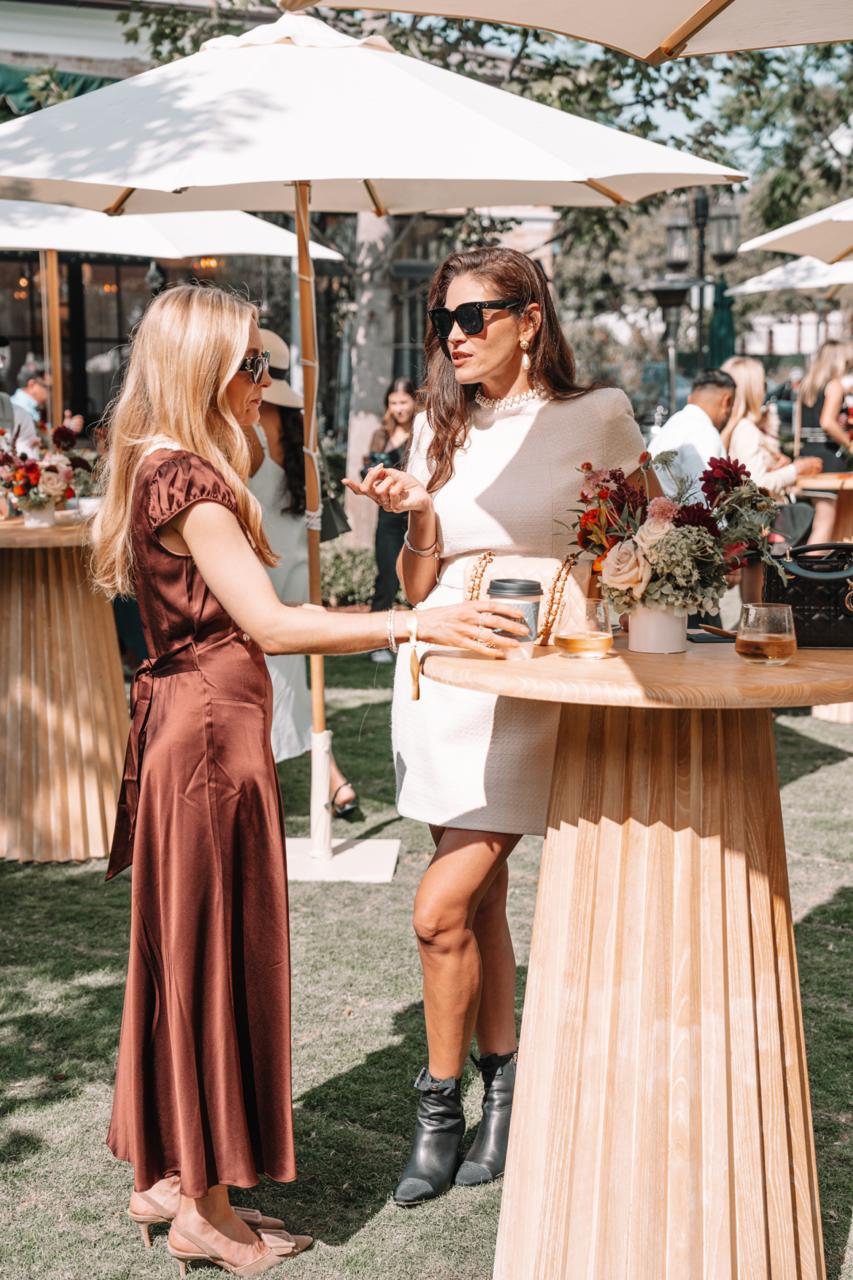
Case : Event photography for Palisades Village
Palisades Village is a premier outdoor shopping and lifestyle destination in Pacific Palisades, California. Capturing events at such an iconic venue requires a blend of candid storytelling, detailed commercial shots, and high-energy atmosphere photography. Below is a breakdown of how we captured the essence and vibrant energy of this event. Every great event begins with […]
More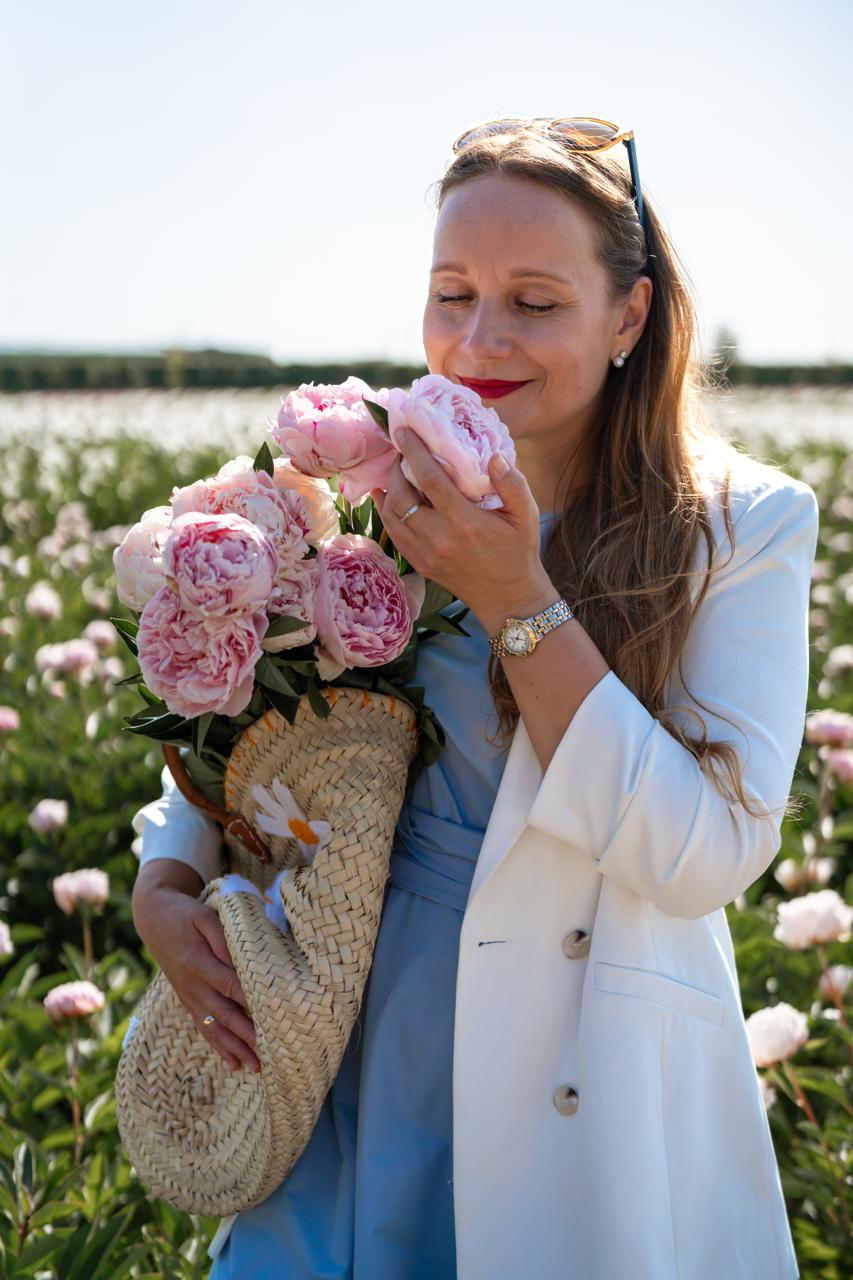
Case : Peony Field Photoshoot at Bury Lane Farm | Cambridge Photographer
This beautiful group portrait photography session took place in the breathtaking peony fields of Bury Lane Farm in Cambridgeshire. As a Cambridge photographer specialising in portrait photography and lifestyle photography, I love creating natural images that capture genuine emotions and meaningful moments. Nine wonderful women came together to enjoy an unforgettable summer afternoon surrounded by […]
More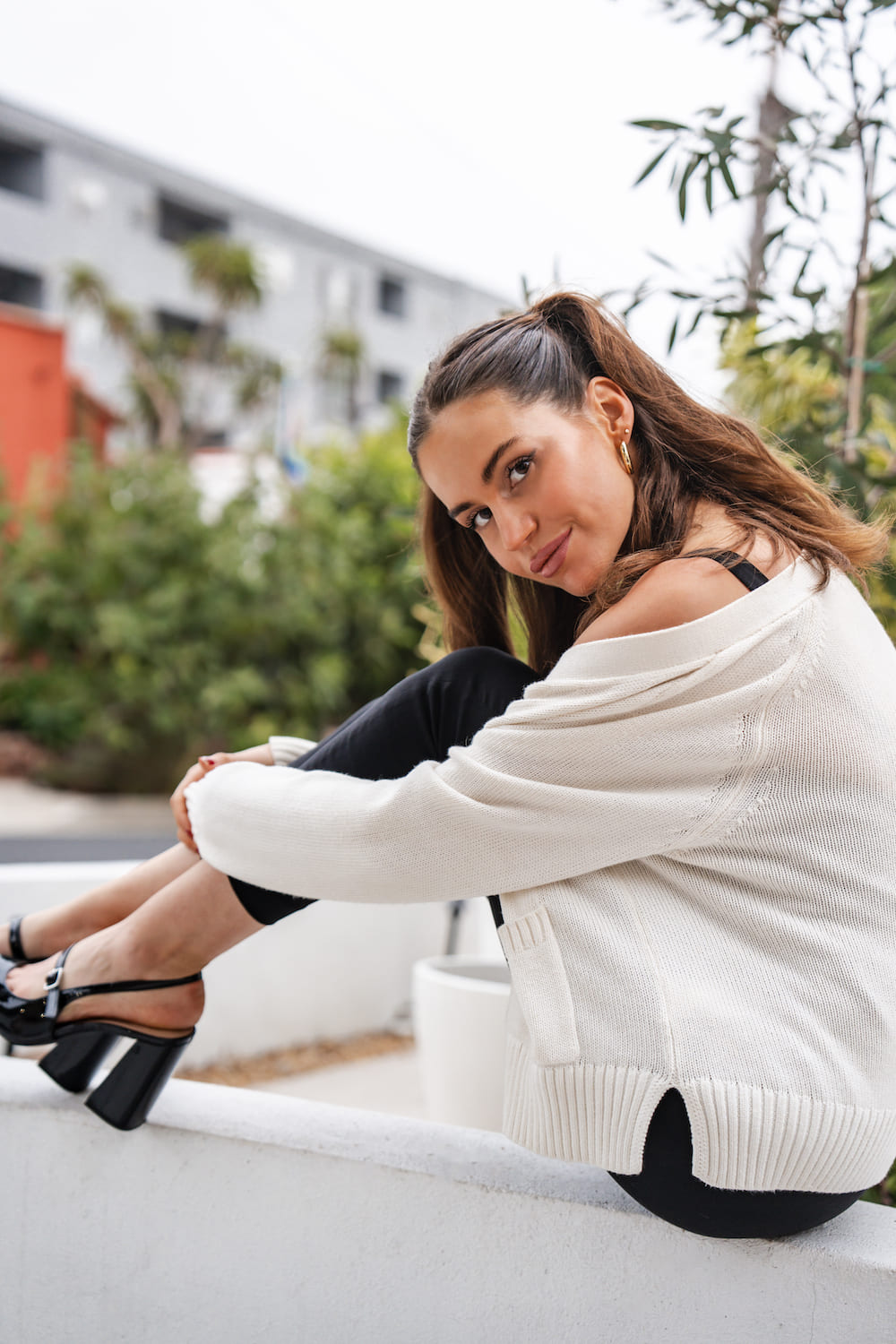
Case : Professional Headshot Photography in West Hollywood
I delivered personalized headshot photography sessions in West Hollywood for professionals seeking high-impact images for articles, corporate profiles, and social media. Client: Professionals and musicians looking to elevate their personal branding with compelling portraits. Objective: To create confident, authentic images that help clients make a memorable first impression. Process: 1. Consultation Discussed each client’s style […]
More